 Active English Reading Editorial Tutor
Learn English reading
what already matters to you.
Transform any textbook, academic paper, or technical PDF into an interactive practice session. Hear native pronunciation, read aloud with AI diagnosis, and translate with pedagogical depth.
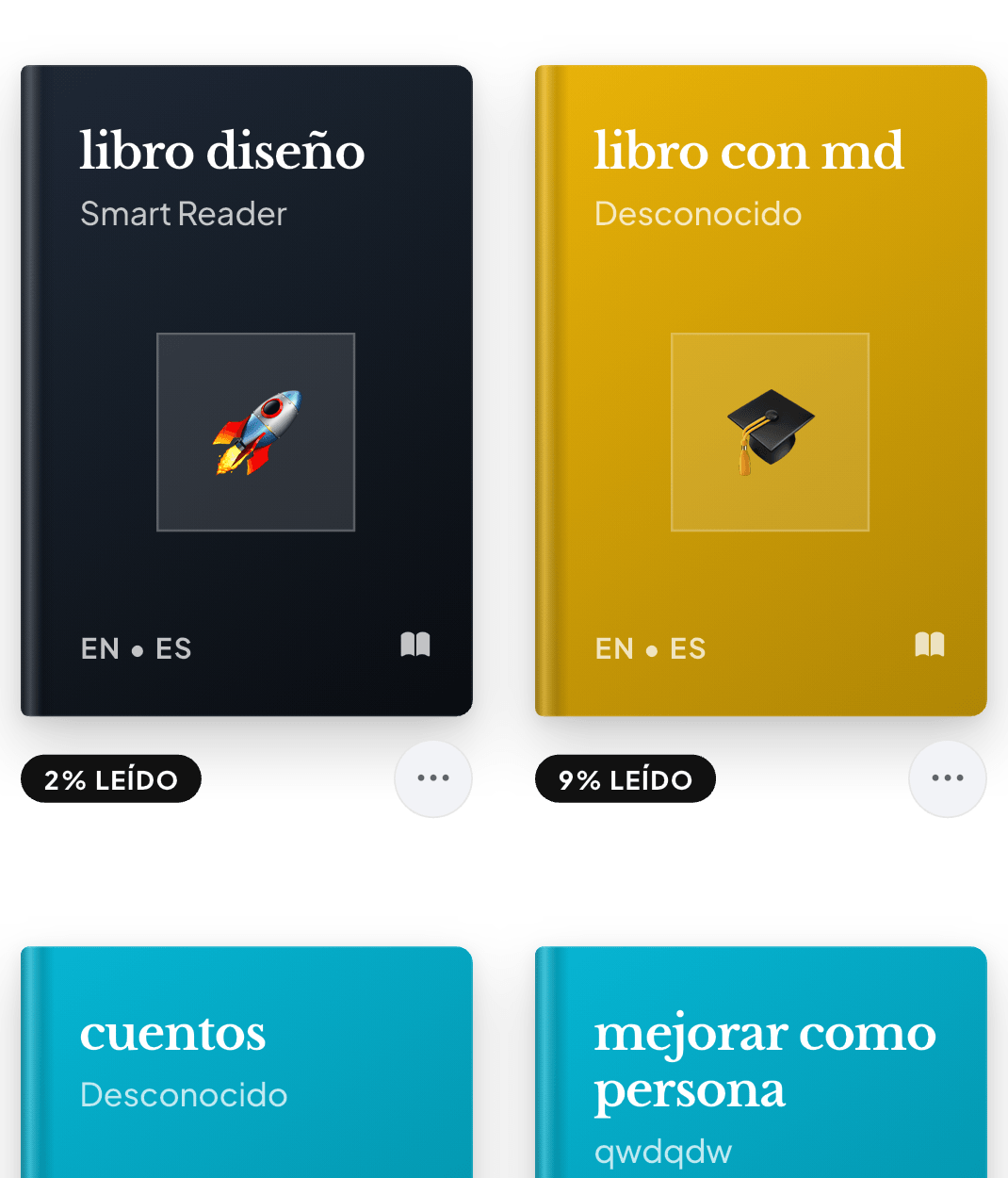
Textbooks and papers with formulas intact
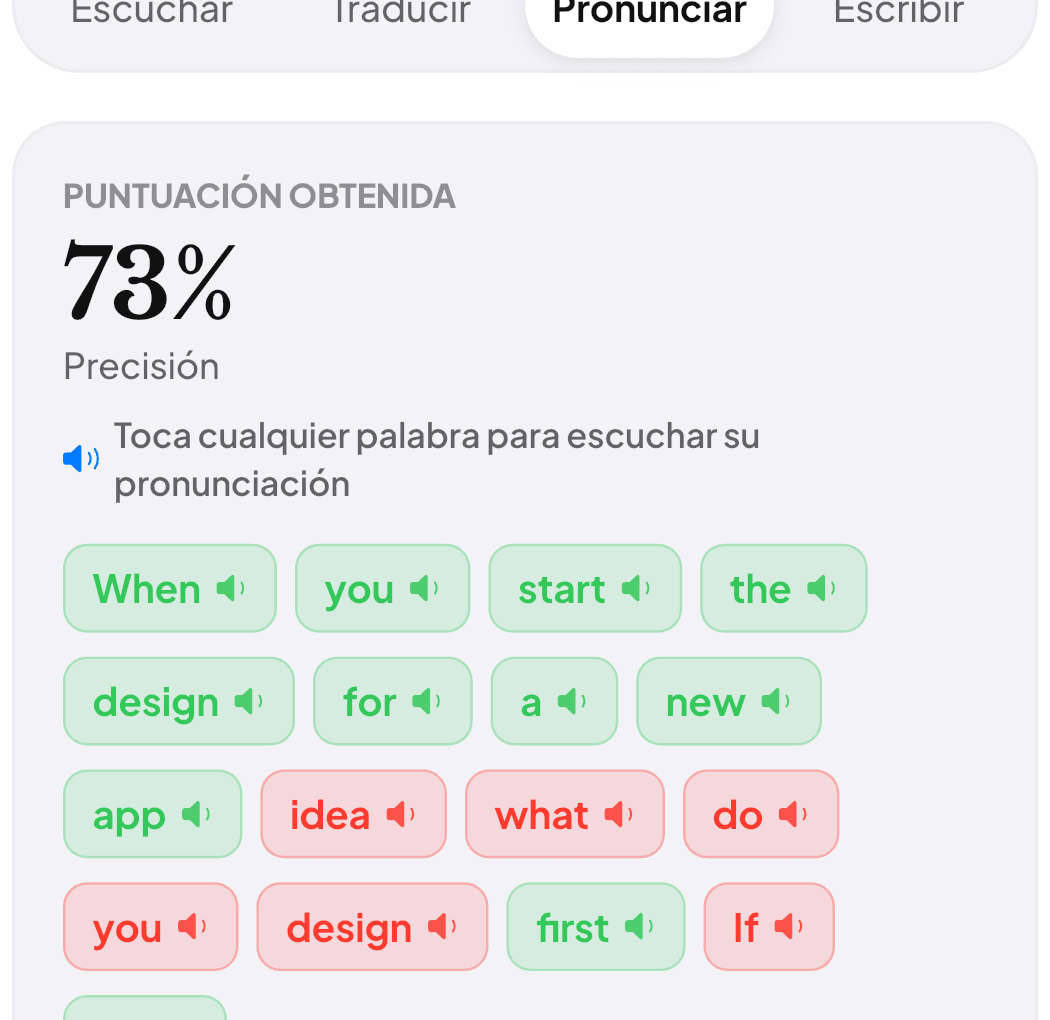
Instant word-by-word feedback in green and red
Designed for effortless reading and confident speaking.
Inspired by the elegance of Apple Books, paired with an AI tutor supporting you paragraph by paragraph.
Deep Learning (MIT Press)
Practice pronunciation on real gradient descent concepts and Hessian matrices without breaking original document layouts.
“Gradient descent is an iterative optimization algorithm for finding a local minimum of a differentiable function. In deep learning architectures, it guides how parameters converge.”
Experience Readara on your iPhone.
A distraction-free, editorial interface built specifically for deep study, technical reading, and active voice training.
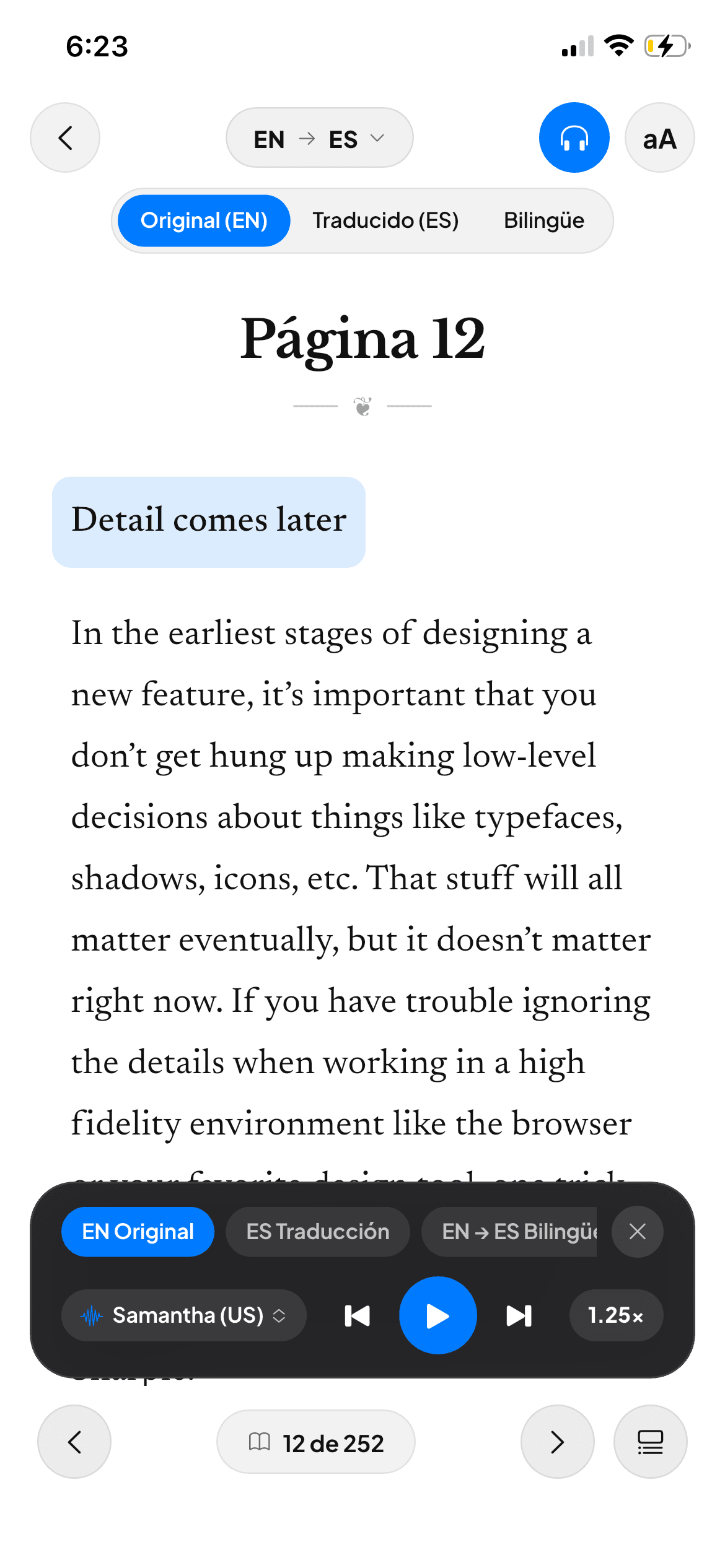
Active Reading & Audio
Listen to native voice cadence while following technical sentences with synchronized bilingual translation.
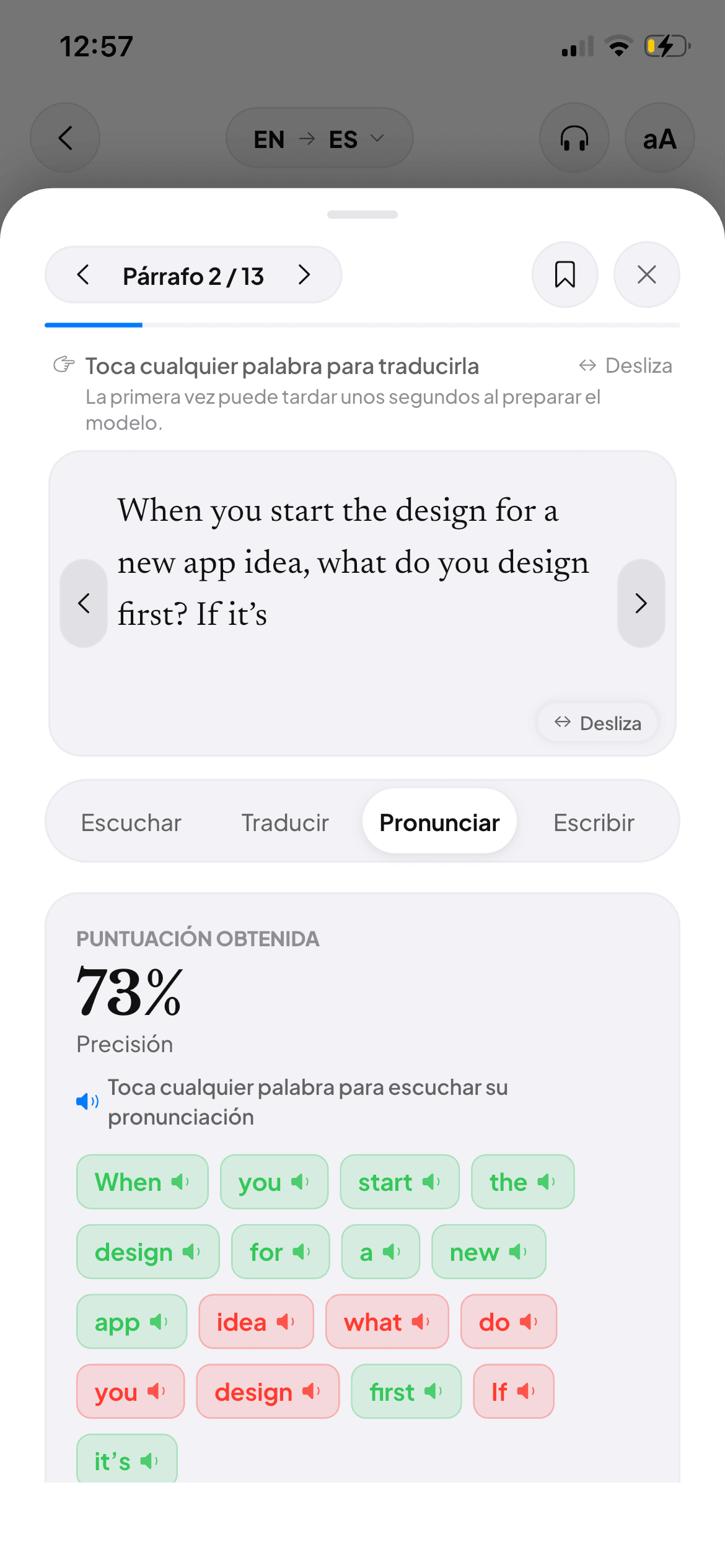
AI Speech Coach
Speak into your microphone and receive instant word-by-word phonetic feedback in green and red.
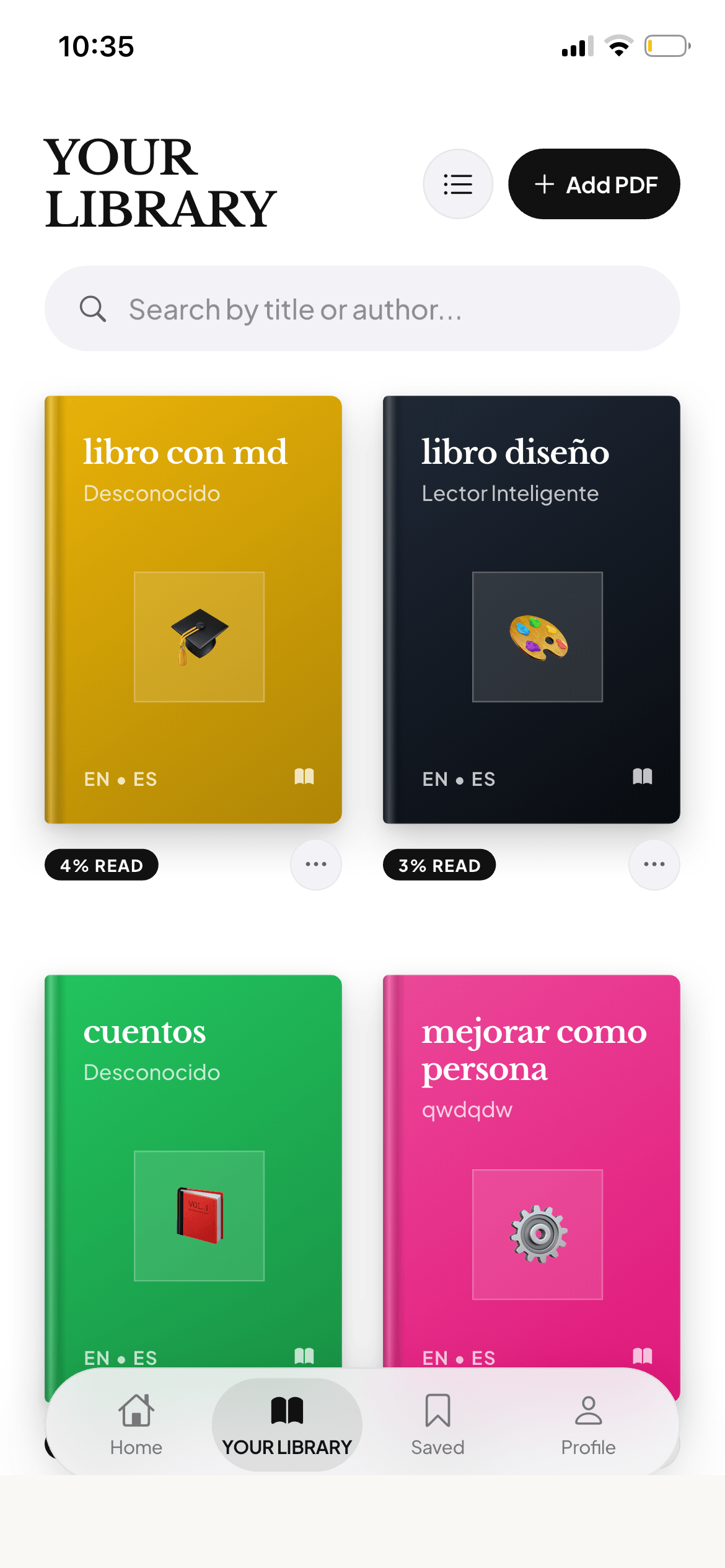
Smart PDF Library
Import textbooks, papers, and docs with automated 3D covers and intact charts and math formulas.
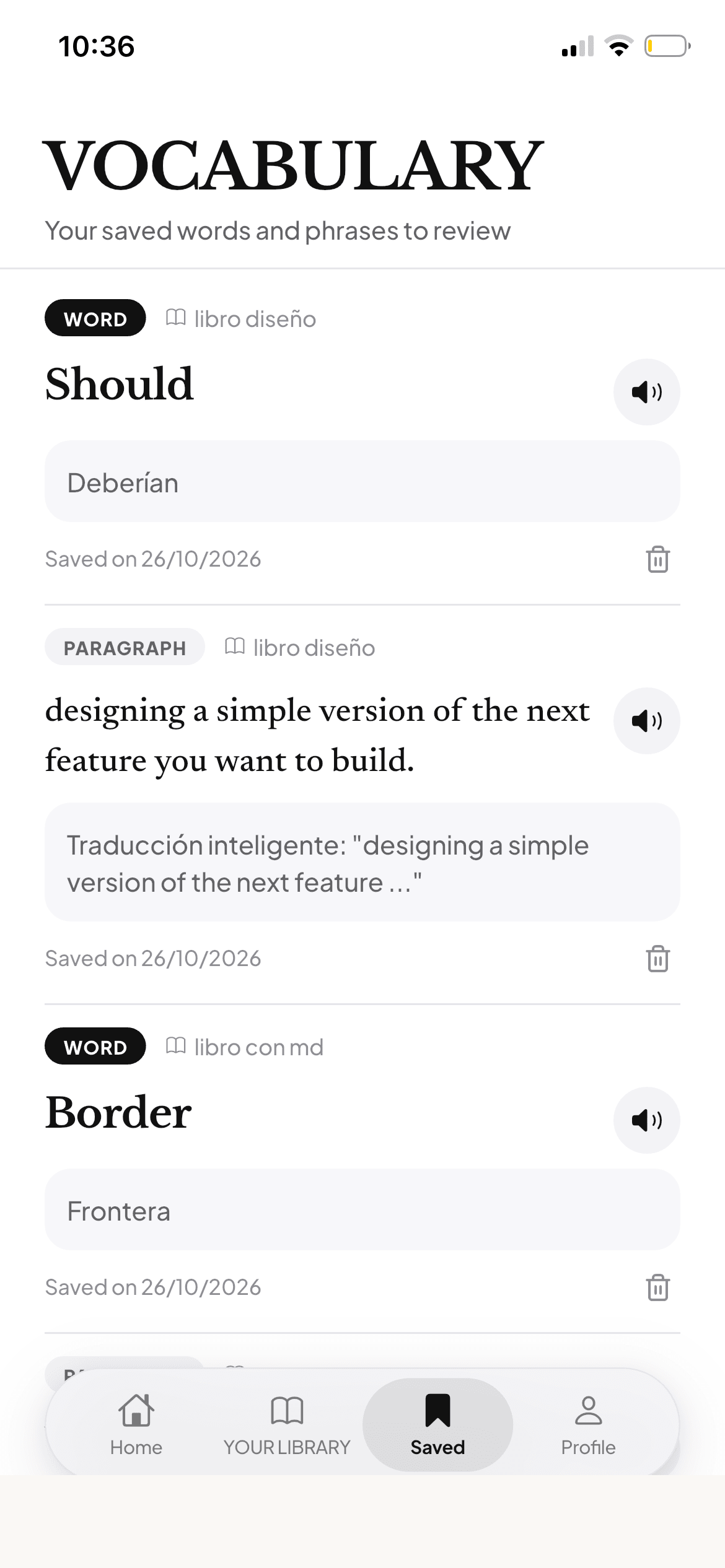
Active Vocabulary
Save tricky terms and full sentences with a single tap to practice them with native pronunciation.
Disponible ahora en iPhone e iPad
Compatible con iOS 16.0 o posterior • Práctica ilimitada disponible
Learning by reading is not staring at a silent screen.
Every page of your PDF becomes a four-dimensional language workout: listening, speaking, understanding, and writing.
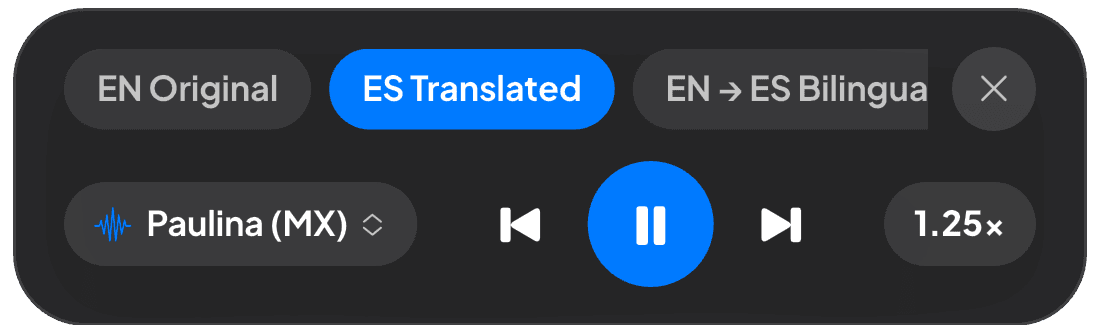
Paragraph-by-Paragraph Audiobook & Native TTS
Listen to natural cadence at normal or slowed speeds. Seamlessly toggle between original English, target translations, or alternating bilingual audio.
0–100% AI Phonetic Feedback
Read the paragraph aloud. Our speech engine analyzes your audio against native standards and highlights exact syllables that need attention.
Contextual & Technical Comprehension
Not a robotic word-for-word translation. Readara explains why specific idiomatic phrasing and terminology are used in your academic domain.
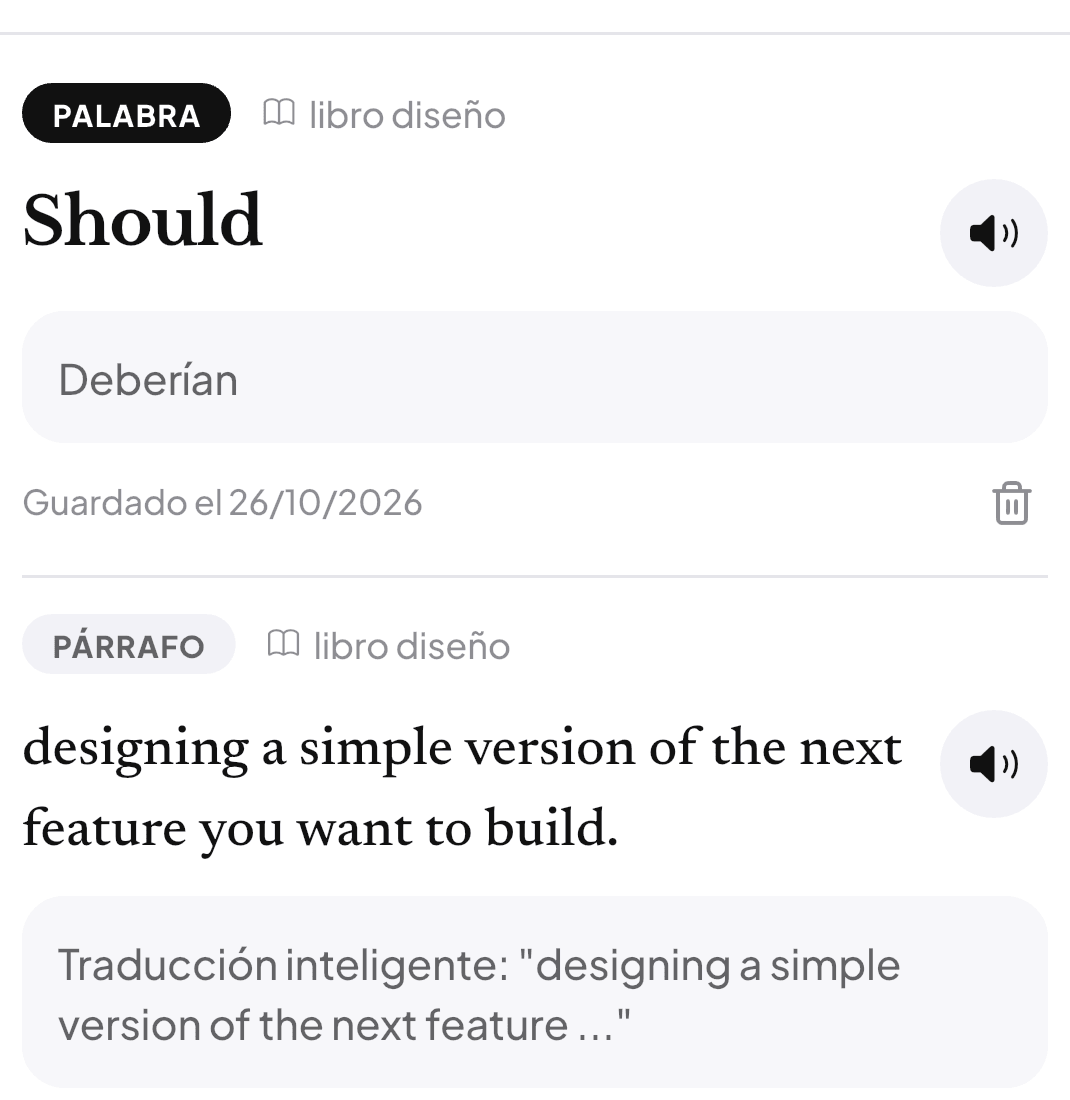
Active Recall with Progressive Hints
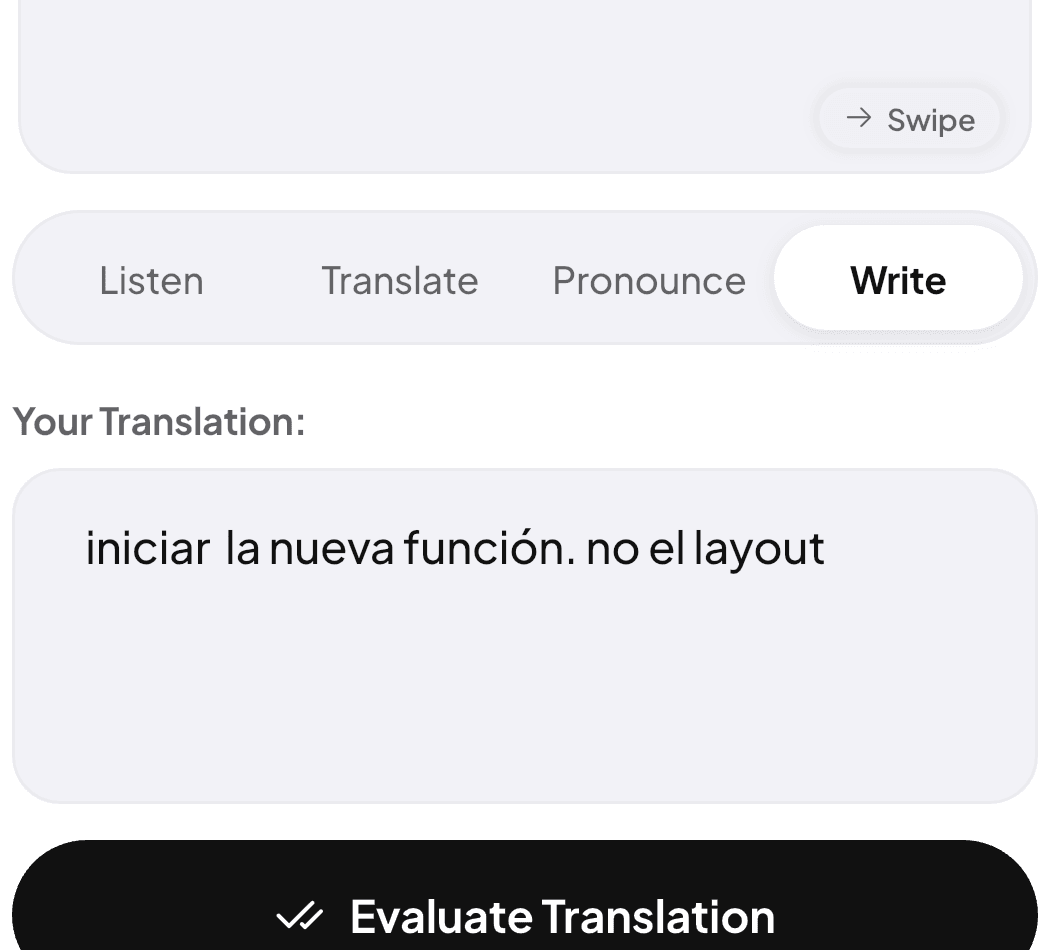
Translate sentences in your own words. If you get stuck, reveal progressive hints: first words, half-sentence anchors, or grammatical suggestions.
4 Editorial Reading Themes
Customized for your eyes: Crisp White, Warm Paper, Classic Sepia, and OLED Night for late study sessions without eye strain.
Daily Reading Goal Ring
Set your daily target (15 or 30 minutes). Watch your ring close every day, maintain your weekly streak, and build a lasting habit.
Formulas & Diagrams Preserved
Unlike web translators that distort formatting, Readara preserves mathematical equations, diagrams, and figures in their original position.
Available on the App StoreStop reading in silence.
Master English with your own books.
Download Readara today on your iPhone or iPad and start practicing pronunciation with your own textbooks.
Frequently Asked Questions
Everything you need to know before starting your first active reading session.
What kind of PDF files can I upload?
You can upload any English PDF: college textbooks, ArXiv research papers, technical programming manuals, or scanned documents.
How does the AI evaluate my pronunciation?
When tapping "Speak", read aloud into your microphone. Our speech model analyzes phonemes against native benchmarks and provides an accuracy score with syllable guidance.
Can I listen without looking at the screen?
Yes. Readara includes continuous Audiobook mode with natural voices, adjustable playback speeds (0.75x, 1.0x, 1.25x), and bilingual switching.
How do the 4 paper themes work?
Easily switch between Crisp White, Warm Paper, Classic Sepia, and OLED Night mode with pure black canvas for comfortable night reading.
Do I need to install software to begin?
No. Readara runs instantly in modern browsers across mobile, tablet, and desktop, with optional Progressive Web App (PWA) installation.