
If you are a university researcher, software engineer, medical student, or quantitative analyst, your career depends on how quickly you can digest dense technical literature: 800-page textbooks, IEEE specifications, ArXiv preprints, and multilingual primary sources packaged as multi-column PDFs.
Yet most professionals still approach complex PDFs using passive, single-channel reading. You stare at a wall of dense typography in silence, re-read the same paragraph three times when cognitive fatigue sets in, and struggle to articulate or retain intricate concepts when presenting to colleagues or studying foreign-language technical literature.
In this guide, you will learn the 4-Step Active PDF Mastery Framework to cut reading fatigue in half, preserve complex mathematical and visual layouts, and lock technical concepts into long-term memory.
1. Why Passive PDF Viewers Fail for Technical & Multilingual Study
Standard PDF viewers (Preview, Adobe Reader, or browser tabs) were built as static digital paper for printing—not for deep cognitive processing. When tackling advanced STEM textbooks or reading foreign-language technical books via comprehensible input, passive viewers create four major bottlenecks:
- Working Memory Overload: Decoding dense academic syntax, nested clauses, and mathematical notation solely through your visual channel quickly exhausts the prefrontal cortex.
- Layout Destruction in Converters: Exporting a technical PDF to plain text or EPUB strips away multi-column grids, LaTeX equations, state-machine diagrams, and data tables.
- Zero Auditory Pacing: Without a synchronized auditory anchor, your eyes regress to previous lines—a major obstacle highlighted in our ADHD guide to reading dense technical PDFs.
- The Passive Recognition Illusion: Silently skimming a proof or architectural pattern tricks your brain into thinking you understand it, until you have to explain it aloud and realize you cannot reconstruct the argument.
| Study Approach | Layout & Formula Integrity | Cognitive Retention Rate | Focus & Pacing Control |
|---|---|---|---|
| Static Silent PDF Reading | 100% Intact | Low (High eye fatigue & mind-wandering) | Poor (Frequent line regression) |
| Plain-Text / EPUB Reflow Tools | Broken (Ruins tables & math) | Medium | Medium |
| Active Bimodal PDF Reading (Readara) | 100% Intact | High (Dual-Coding visual + audio + vocal) | High (Paragraph-level pacing) |
2. The 4-Step Active Reading Method for Technical PDFs
To transform any textbook, RFC specification, or foreign-language monograph into a high-retention study session, apply this four-stage workflow:
Step 1: Engage Dual-Coding with Synchronized Neural Audio
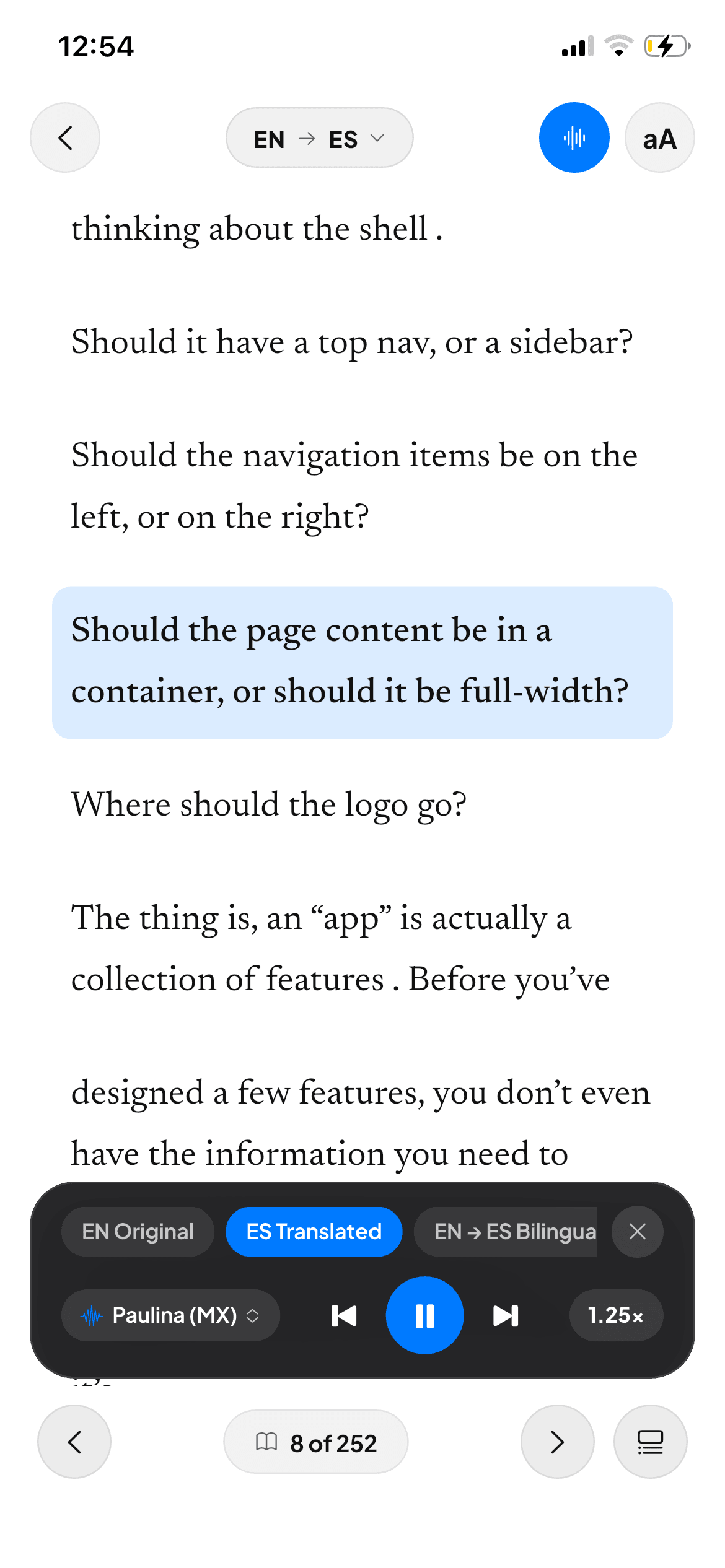
Instead of forcing tired eyes through dense paragraphs alone, activate high-definition neural Text-to-Speech (TTS) while tracking the text visually. As explained in the bimodal reading method for dense PDFs, pairing visual typography with natural prosody recruits both your visual and auditory cortices simultaneously—boosting comprehension speed by up to 40%.
Step 2: Use In-Place Paragraph Breakdowns & Translation
When reading international research papers, foreign-language editions, or archaic academic prose, never copy and paste text into external web translators that scramble line breaks. Use fast in-place PDF translation and contextual glossaries directly beside the original paragraph so equations, citations, and figures remain anchored in view.
Step 3: Vocalize Key Definitions (The Production Effect)
Cognitive psychology demonstrates that reading a passage aloud is one of the strongest mechanisms for memory consolidation (the Production Effect). When you finish a critical section of a scientific research paper or textbook chapter:
- Read the core thesis or theorem aloud into your microphone.
- If you are practicing technical communication or mastering a second language, let AI phonetic diagnostics score your articulation from 0 to 100%.
Step 4: Active Paraphrasing & Recall
Before turning the page, summarize the mechanism or trade-off in one sentence using the interactive writing prompt. Converting passive input into active output cements neural pathways immediately.
3. A 25-Minute High-Retention Study Protocol (Pomodoro)
Replace passive highlighting with this structured 25-minute block on your iPad or iPhone:
- Minutes 0–5 (Structural Preview): Scan section headings, system diagrams, and summary tables to map the chapter’s hierarchy.
- Minutes 5–18 (Bimodal Immersion): Turn on PDF audiobook mode at 1.0x–1.25x speed. Follow each paragraph visually as the neural voice paces your attention through complex proofs or documentation.
- Minutes 18–22 (Vocal & Phonetic Check): Pick the 2 most challenging paragraphs. Vocalize them aloud to verify full fluency and conceptual mastery.
- Minutes 22–25 (Synthesis): Complete a quick written recall check on the section’s key takeaways.
4. Frequently Asked Questions (FAQ)
How do I study a two-column academic PDF without losing my place?
Use a paragraph-aware PDF reader like Readara that segments multi-column pages into clean, sequential interactive blocks while keeping the original visual page visible on screen.
Does listening while reading really improve technical textbook retention?
Yes. Dual-coding research shows that simultaneous auditory and visual processing reduces cognitive load on working memory, prevents mind-wandering, and significantly improves recall of complex terminology.
Can I use this workflow to read STEM books in Spanish, French, or German?
Absolutely. Many native English speakers use Readara to read real non-fiction and technical PDFs in foreign languages with instant paragraph translation, bilingual alternating audio, and pronunciation grading.
Conclusion
Mastering dense technical books and academic PDFs does not require grinding through hours of silent eye strain. By combining pristine PDF layout preservation with bimodal neural audio and active vocal recall in Readara, you absorb complex knowledge faster and retain it when it matters most.